Services / 03 · Product experience
DigitalProductUX/UI
The product gets clear in prototypes before it gets expensive in code.
Flow map
Every screen, state, and decision point of the journey drawn as one connected diagram, including the error and empty states that usually surface mid-build.
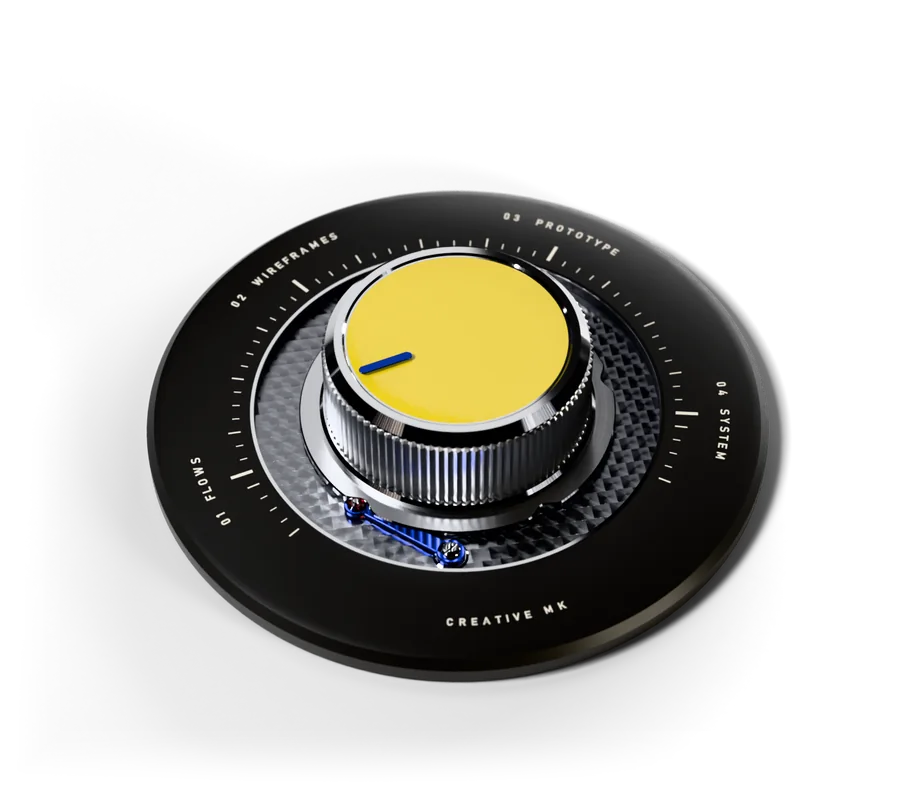
Fig. 03 · Four-stop dialTurn it with your finger or keep scrolling: every click is a design stage, before any code is written.
P. 21 · Digital Product UX/UIThe approach
Most product budgets are spent discovering what should have been drawn first.
A dashboard gets built and then rebuilt because nobody agreed on what the screen was for; an onboarding flow ships and loses users at a step no one sketched. This service moves that argument to the cheapest possible moment: before the build. We draw the flows, put a clickable prototype in front of you, and change it while changing it costs hours.
What you can do afterwards is concrete. Brief a development team without ambiguity. Show stakeholders a product that behaves instead of a deck that describes one. Add screens later without the interface drifting, because the system that produced the first ones is documented.
P. 23
What you get
- 01
Flow map
Every screen, state, and decision point of the journey drawn as one connected diagram, including the error and empty states that usually surface mid-build.
- 02
Wireframe set
Low-fidelity screens for the priority flows, cheap enough to argue with and throw away.
- 03
Clickable prototype
A linked prototype you can walk through on your own device and put in front of the people who will actually use the product.
- 04
UI design system
Type, color, spacing, and components with their states — hover, loading, error, empty — documented so screen twenty matches screen one.
- 05
Build-ready handoff spec
Annotated screens with behavior notes, written by a studio that also develops, so the engineer is not left to guess.
- 06
Bilingual interface copy
Labels, empty states, and error messages drafted in English and Spanish during design, so the shorter language never dictates the layout the longer one has to live in.
P. 25
Ways to start
1-2 weeks
Product UX audit
A screen-by-screen review of an existing product, portal, or internal tool: where users stall, which states are missing, and a prioritized fix list you can build against whether or not we do the next phase.
4-10 weeks
Product design system
The full arc for a new product or a deep redesign: flow map, wireframes, clickable prototype, UI design system, and handoff spec, scoped to the flows that matter first.
How the work runs
- 01 / 04
Diagnose
We clarify the audience, offer, current bottleneck, and what the first version must prove.
- 02 / 04
Shape
We define messaging, structure, visual direction, UX flow, and the priority service path.
- 03 / 04
Build
We design and develop the assets, pages, automations, or product screens needed for launch.
- 04 / 04
Measure
We connect capture, follow-up, analytics, and iteration so the system can improve after launch.
P. 28
Questions
Do you also build what you design?
Yes. Development is its own service in this studio, and the same person who draws the flows can ship them. If your own team builds it instead, the handoff spec is written for them: annotated screens, behavior notes, states documented. Either way, nothing in the design assumes a build that cannot exist.
We have a workflow in spreadsheets, not a product. Is it too early?
That is the cheapest moment to start, not the earliest. Mapping the workflow into flows and a prototype tells you what the product needs to be before anyone commits to a build. Teams that skip this step tend to pay for the discovery in code.
Can you work on an existing product?
Yes. The audit exists for that: we walk the current flows, keep what works, and name what stalls users. A redesign then extends the product's own logic instead of replacing it for novelty's sake.
Our interface needs to exist in Spanish and English. Is that two projects?
One project, not two. Interface copy is drafted in both languages during design rather than sent out for translation after the screens are signed off, which is what keeps a label from outgrowing the button it sits in. The prototype can carry both versions, so you see where each language strains the layout before development does. What that standard costs is visible on this site, and measured: our own Spanish matches the English sentence structure in every paired passage, and runs 9% longer where this site budgets roughly 20% for Spanish that is written rather than fitted. The branding service publishes the figure and what it means. How far our own Spanish falls short
Contents
The other five
Let’s talk
Let’stalk
Start with a diagnosis, not a quote. Tell us the bottleneck. If this is not the right service for it, we will say so and point at the one that is.
Start a project
WhatsApp opens with this message already written. You can edit it before sending.